Apply for leave on behalf
Overview
Applying for leave on behalf of an employee is an essential function within the Admin app, allowing managers or authorised personnel to handle leave requests for their team members. This guide will walk you through the steps to initiate and submit a leave request for another employee, ensuring that all necessary details are accurately captured and processed efficiently.
Apply for leave on behalf of an employee
1. Click "Leave"
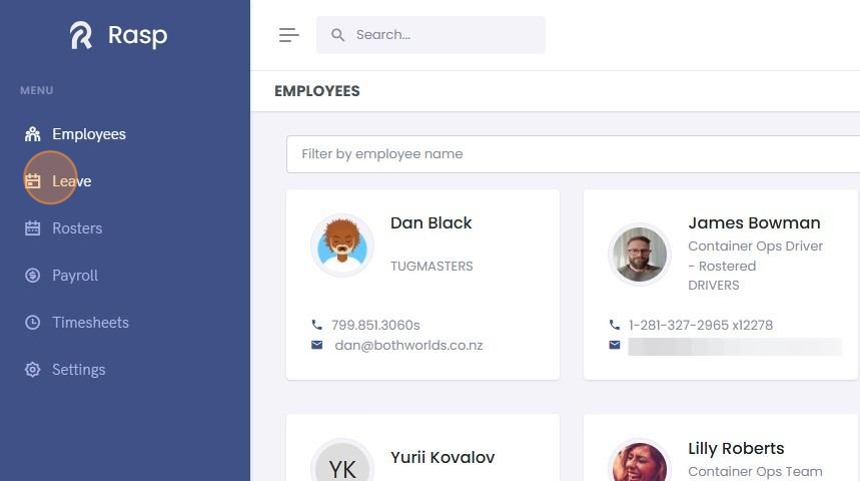
2. Click "Requests"

3. Click "Add Leave"

4. Search for the employee you want to apply for leave on behalf of.

5. Use the calendar to select a single leave date or a date range for multiple days of leave.

6. Select the "Leave Type"

7. Click on the icon next to "Number of days" to see the leave days breakdown.

8. The Leave Days Breakdown is calculated from the employee's work pattern.

9. If desired add a "Comment" (optional).

10. Click "Add Leave"

11. The leave request will be displayed in the "Pending Requests"
